
Platform
01
macOS
Disk image (Universal)
Apple silicon and Intel Macs.
Standalone for macOSOther DeckCraft files for macOS
01DeckCraft
 11DeckCraft
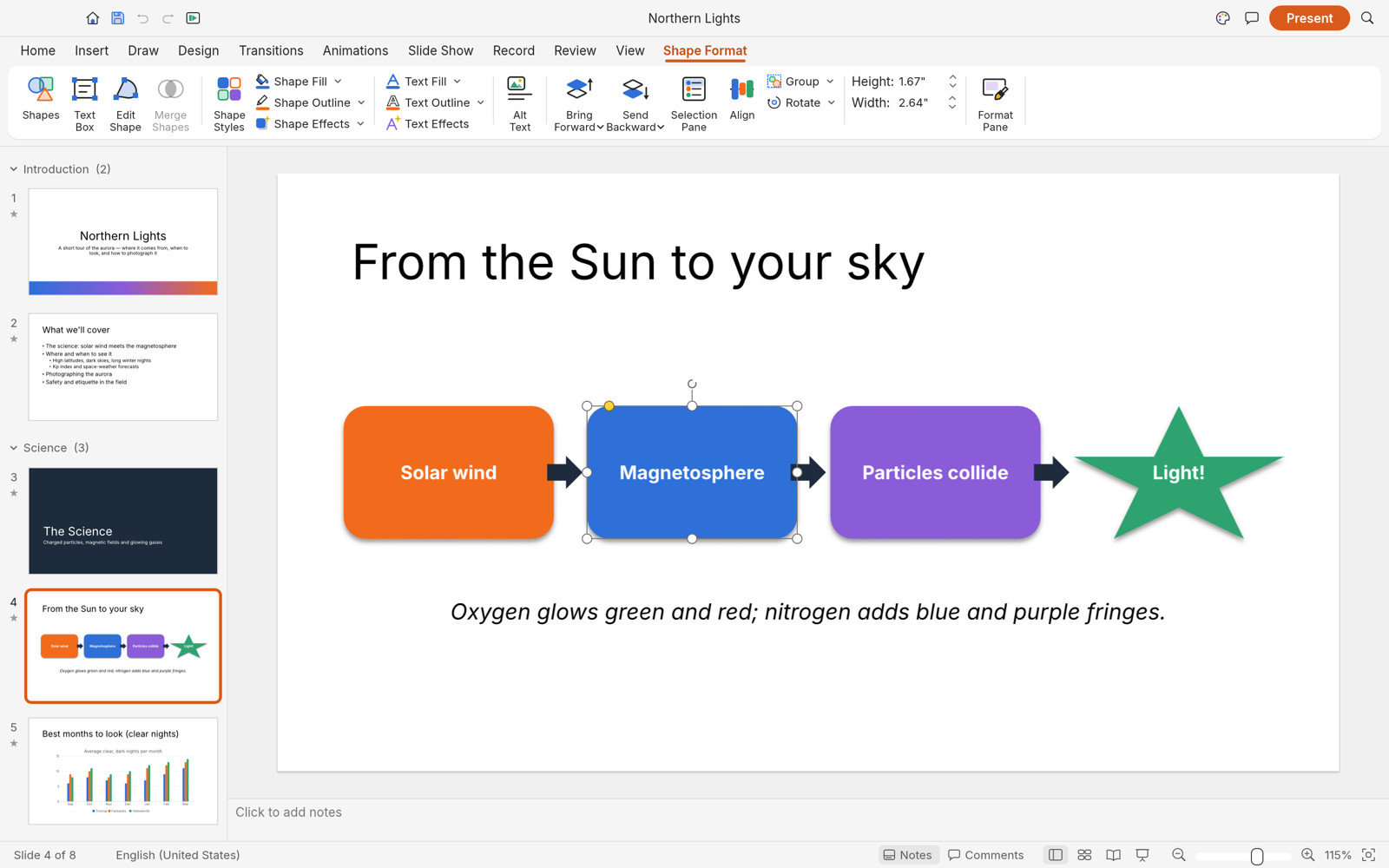
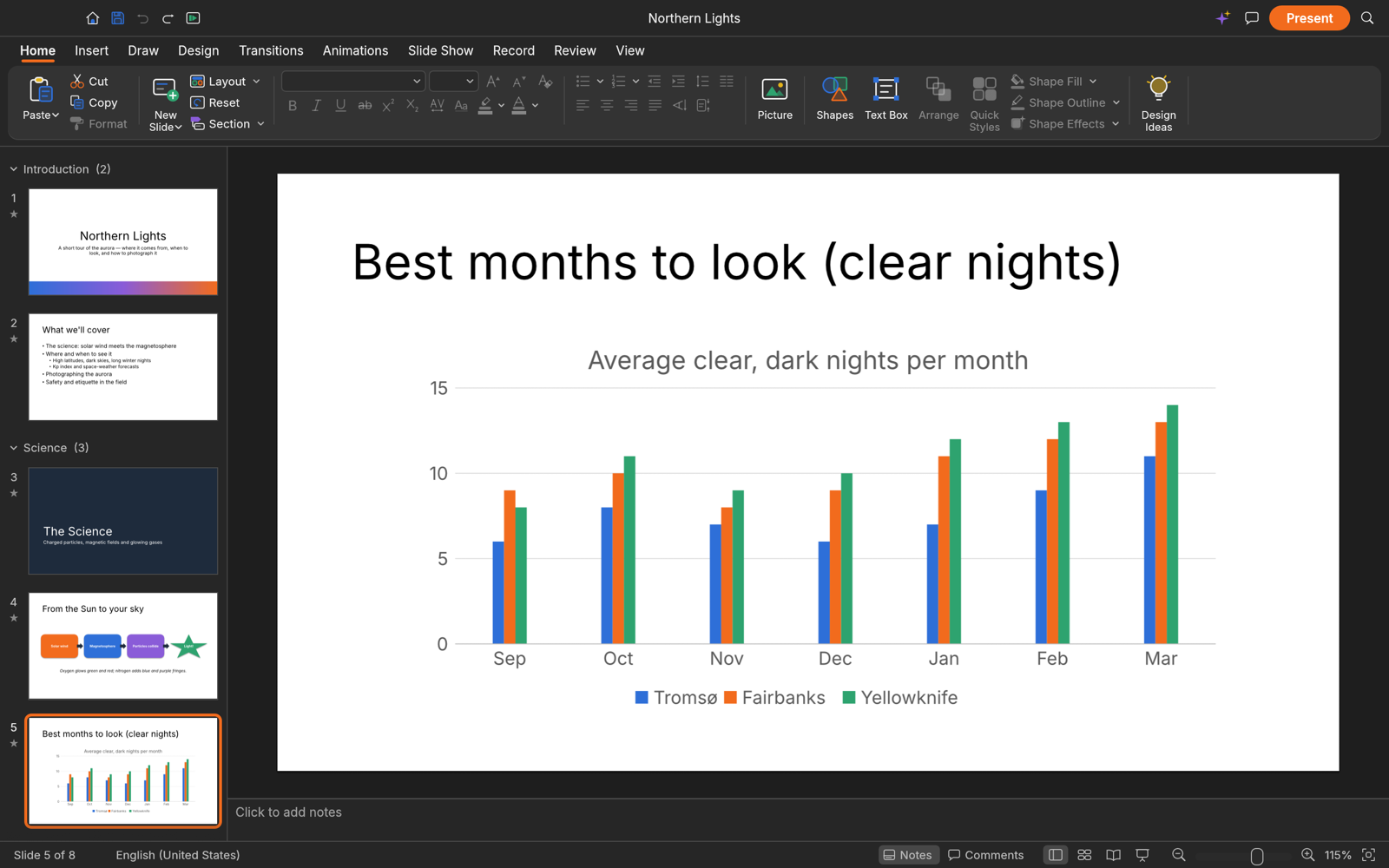
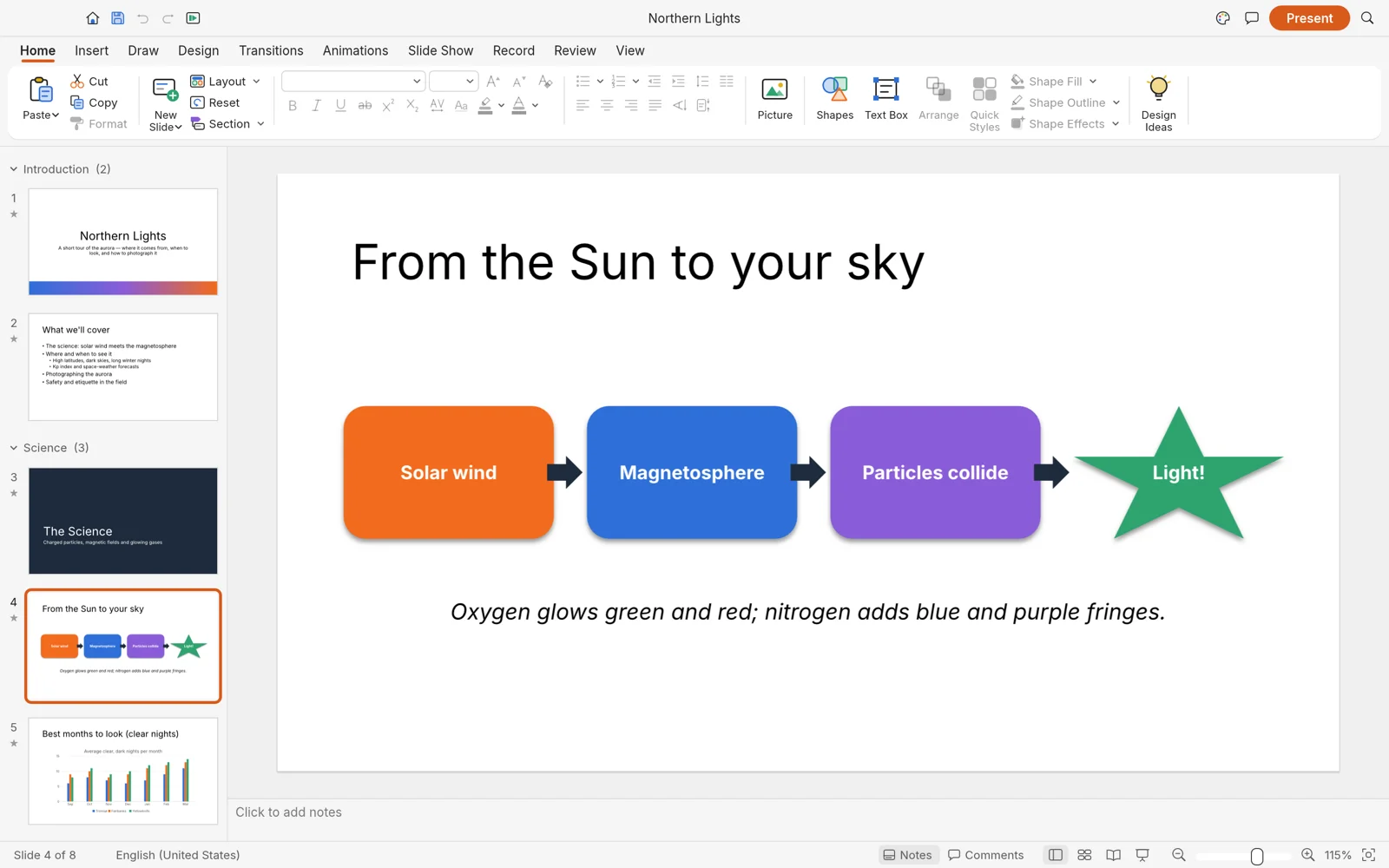
Slide masters, themes, 150+ vector shapes, transitions, animations and presenter view in a native app that opens and saves presentation files. No subscription, no cloud.
macOS · Windows · Linux · Web · Free and open source
Screenshot
02Highlights
01
Slide masters and eleven layouts with inheriting placeholders, eight original themes with font and colour schemes, sections, and presenter notes.
02
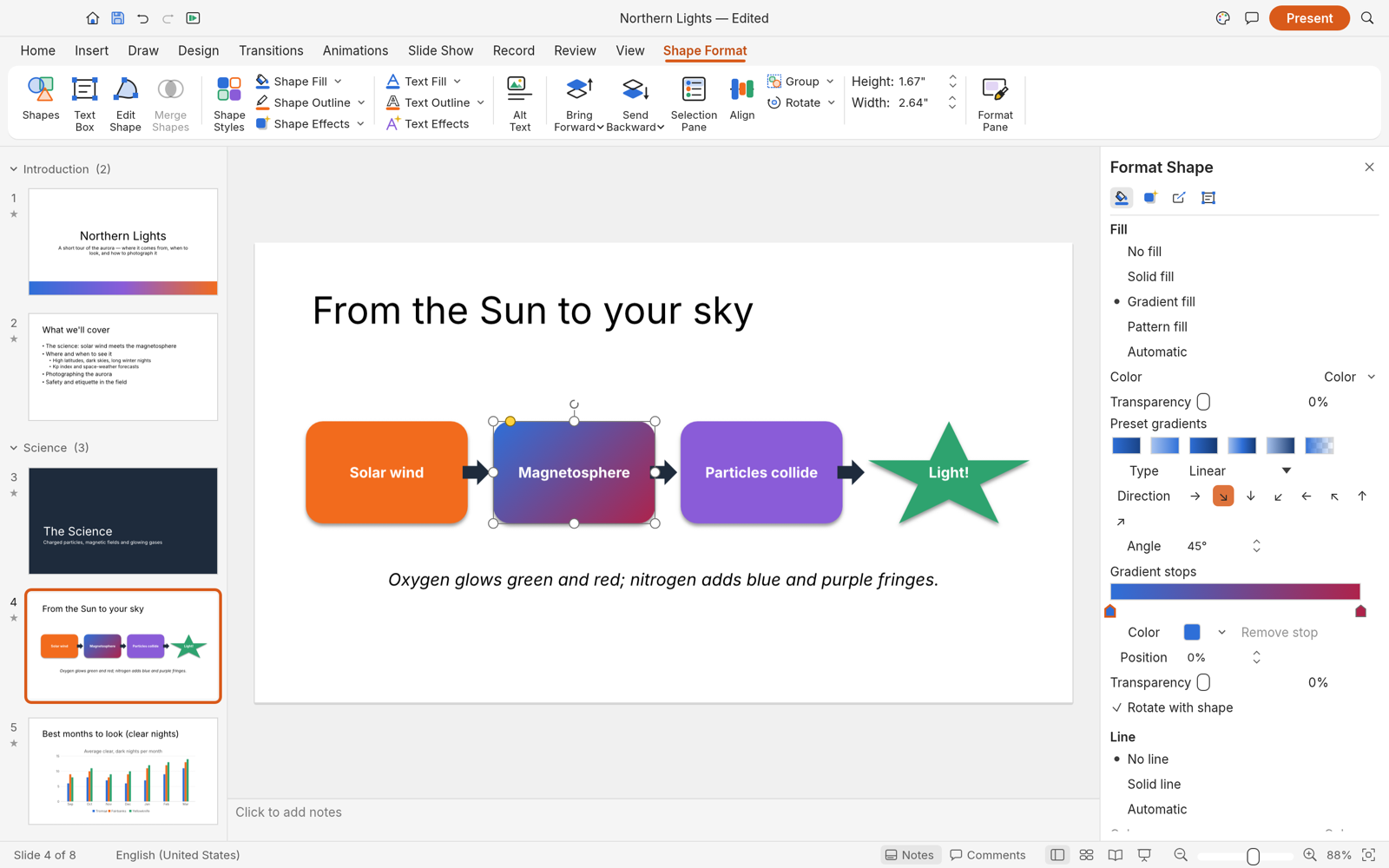
Over 150 preset shapes with adjustment handles, sticky connectors, curve booleans, gradient fills, and outline styling.
03
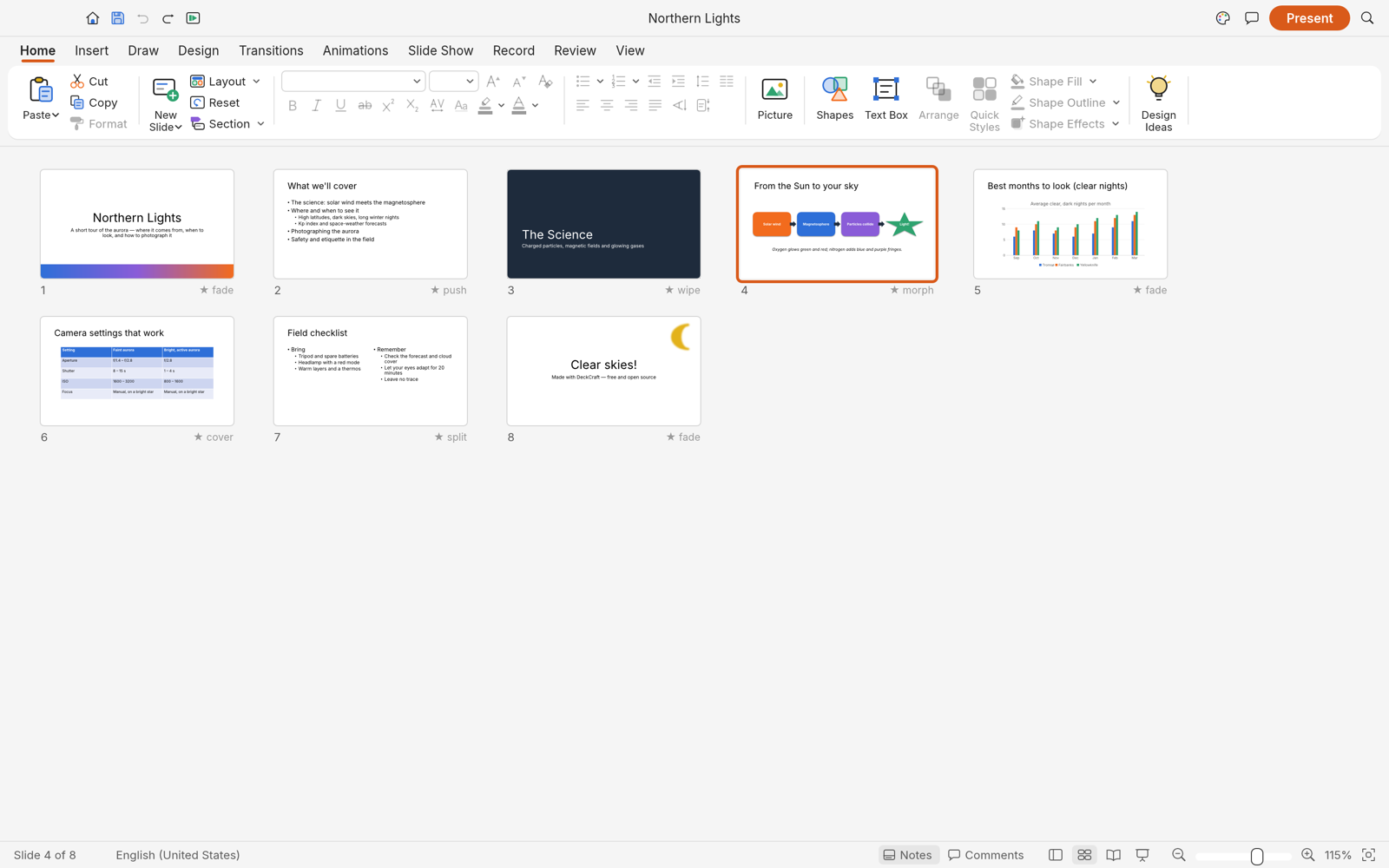
Slide transitions including Morph, entrance, emphasis, exit and motion-path animations, with by-paragraph builds.
04
Full-screen slide show delivery with speaker notes, upcoming slide previews, elapsed timers, rehearsal timings, and pen drawing.
05
Open and save presentation files (.pptx), export vector PDF slides and handouts, and render slide images.
06
Over 200 commands scriptable from the CLI, a JSON control channel, and an MCP server for autonomous agents.
04Get DeckCraft
Option 1 · Recommended
ArtCraft Launcher installs DeckCraft and every other Crafting App from one place, picks the right build for your computer and keeps them all up to date. Install it once and every update is a click away.
Option 2 · Standalone
These installers add DeckCraft on its own, without the launcher. Come back here for new versions, or install the launcher later and it will find DeckCraft and keep it updated.
Platform
01
Disk image (Universal)
Apple silicon and Intel Macs.
Standalone for macOSOther DeckCraft files for macOS
Platform
02
Installer (64-bit)
Most Windows 10 and 11 PCs.
Standalone for WindowsOther DeckCraft files for Windows
Platform
03
Flatpak (x86_64)
Sandboxed. Install with flatpak install --user.
Standalone for LinuxOther DeckCraft files for Linux
Release
Free for every platform above. Questions or feedback? The team is in the ArtCraft Discord.
Other downloads
Build from source
Needs Rust 1.90 or newer. New to Rust? Install it with rustup, then run:
git clone https://github.com/storytold/deckcraft.git
cd deckcraft
cargo run --release -p deckcraft05The family
Image editor
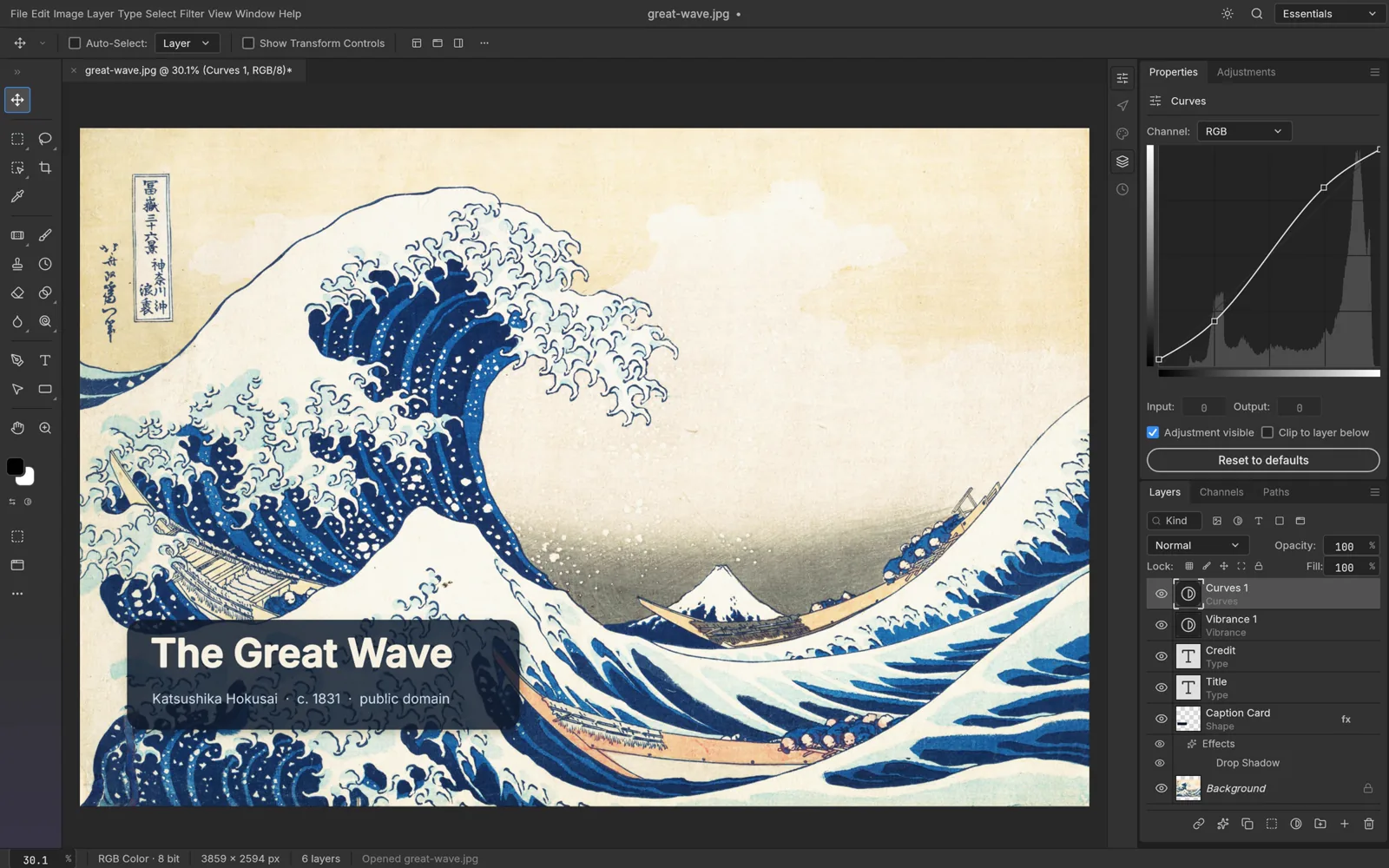
The open-source image editor you already know how to use.
Explore PhotoCraftVector illustration
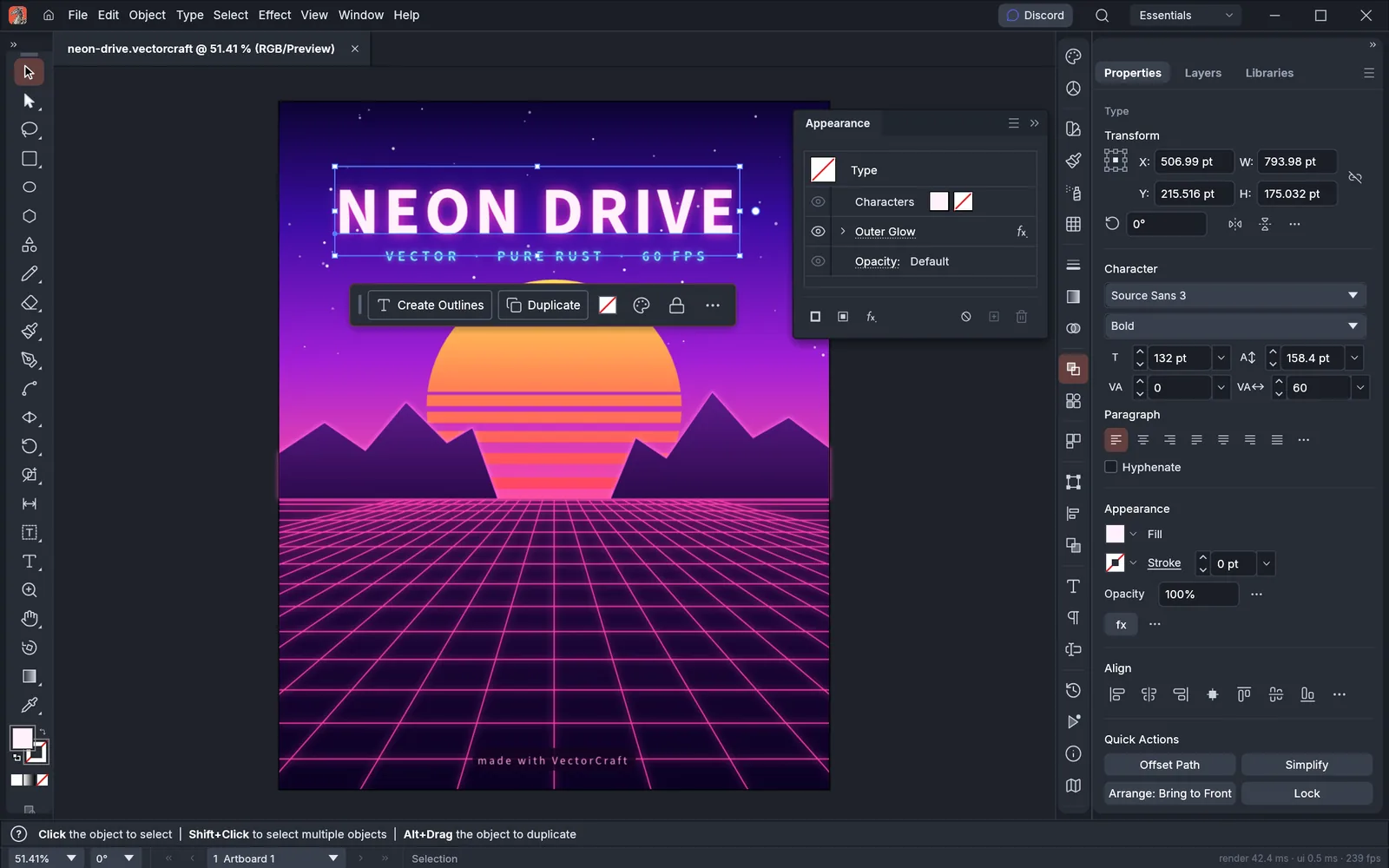
Fast, open-source vector illustration, reimagined in pure Rust.
Explore VectorCraftVideo editor
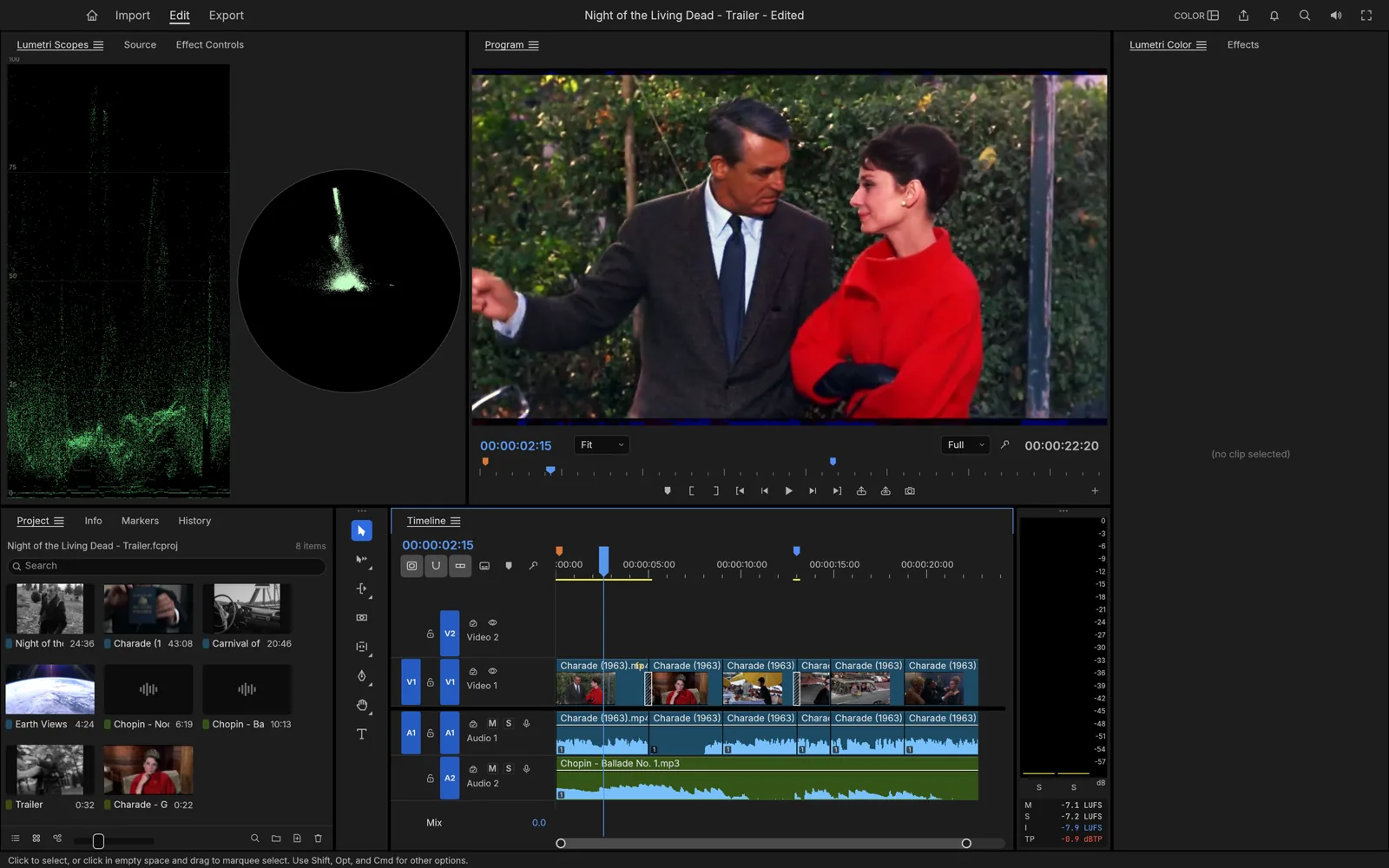

Professional, open-source video editing, rebuilt from scratch in Rust.
Explore FilmCraftPhoto library & raw developer
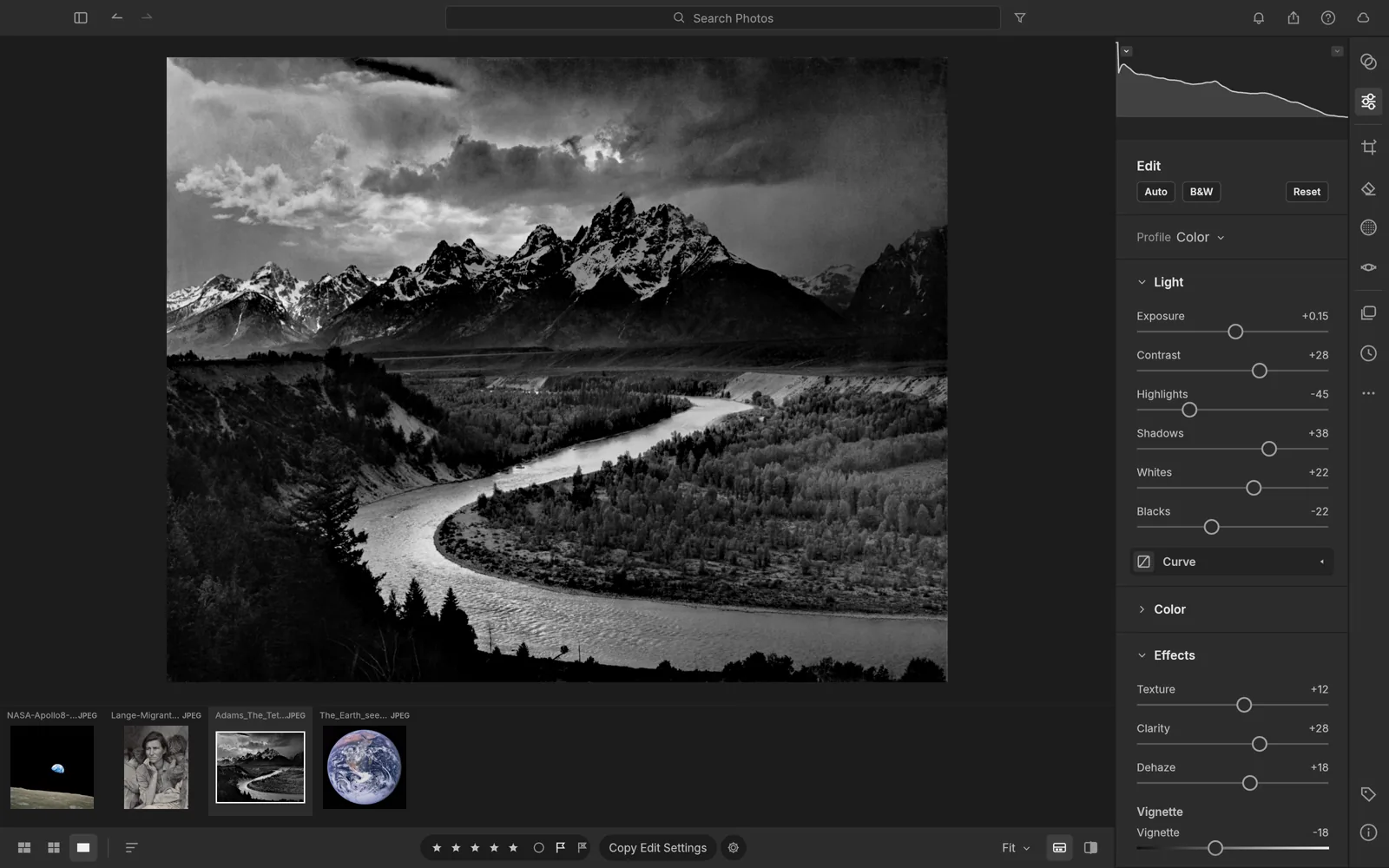
An open-source photo library and raw developer that runs on your machine.
Explore LightCraftPDF workbench
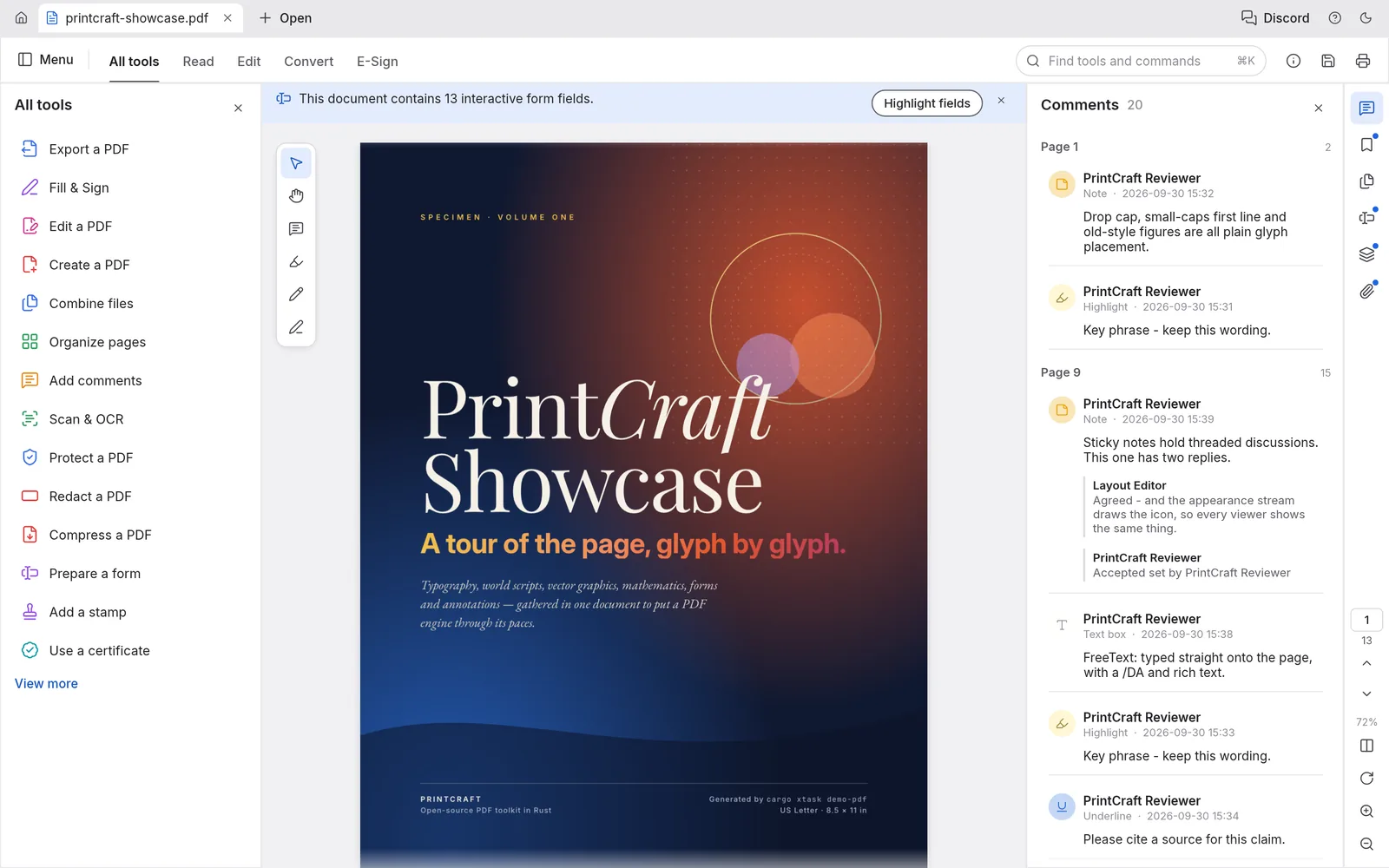
The open-source PDF workbench: read, organize, combine, split and secure.
Explore PdfCraftMotion graphics & VFX
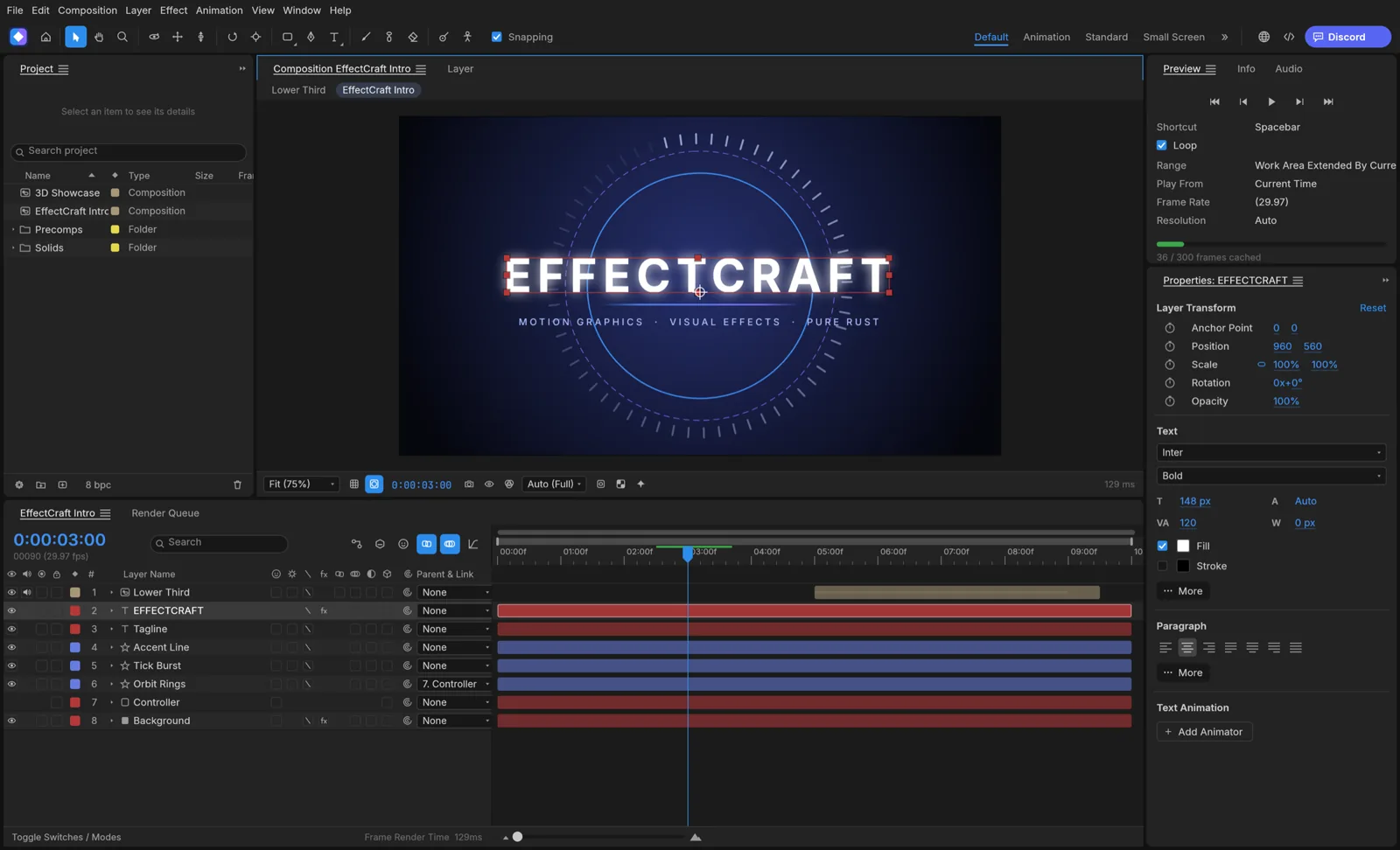

Open-source motion graphics and visual effects, built in pure Rust.
Explore EffectCraftPage layout & publishing
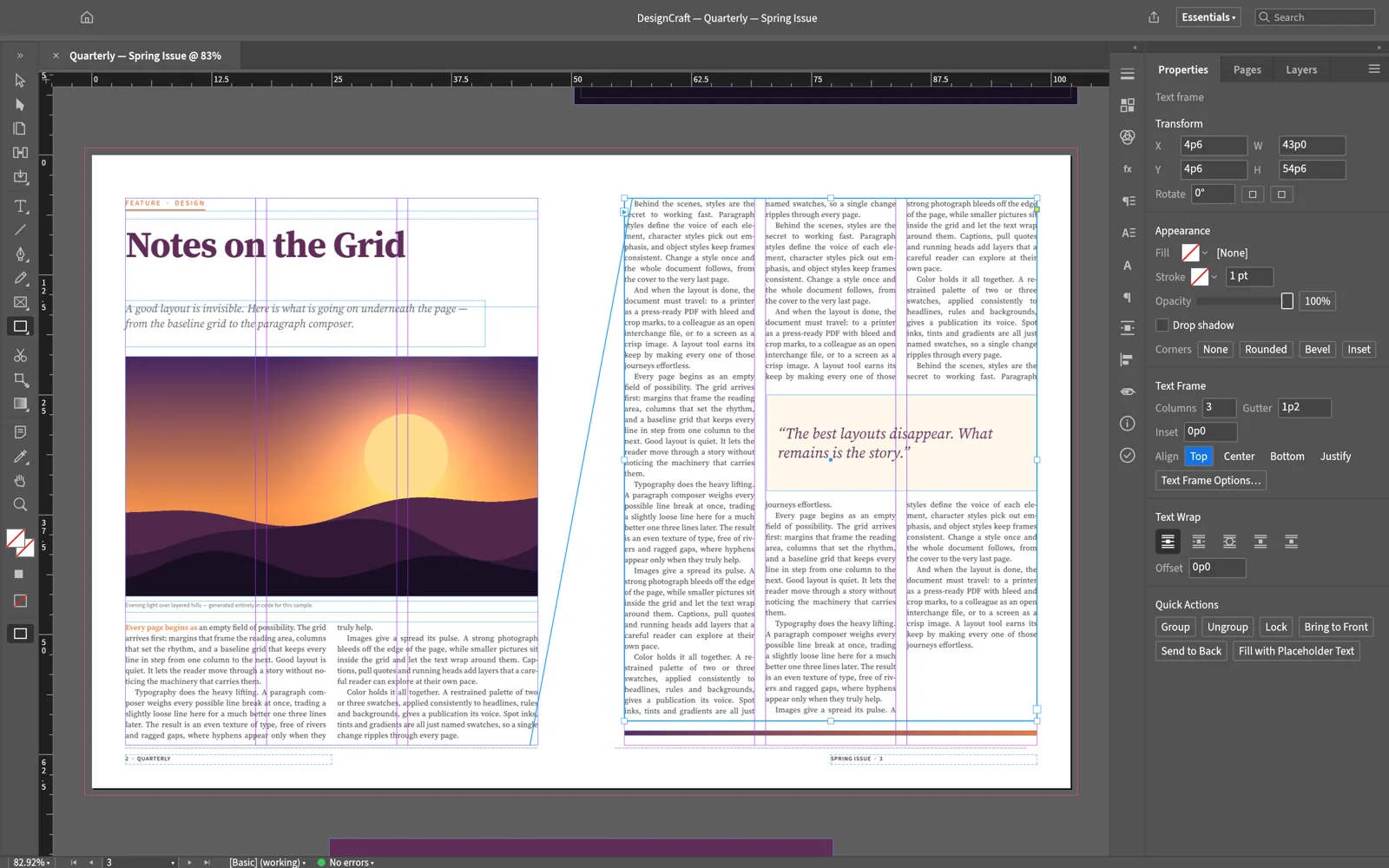
Open-source page layout and publishing, rebuilt in pure Rust.
Explore DesignCraftInterface design
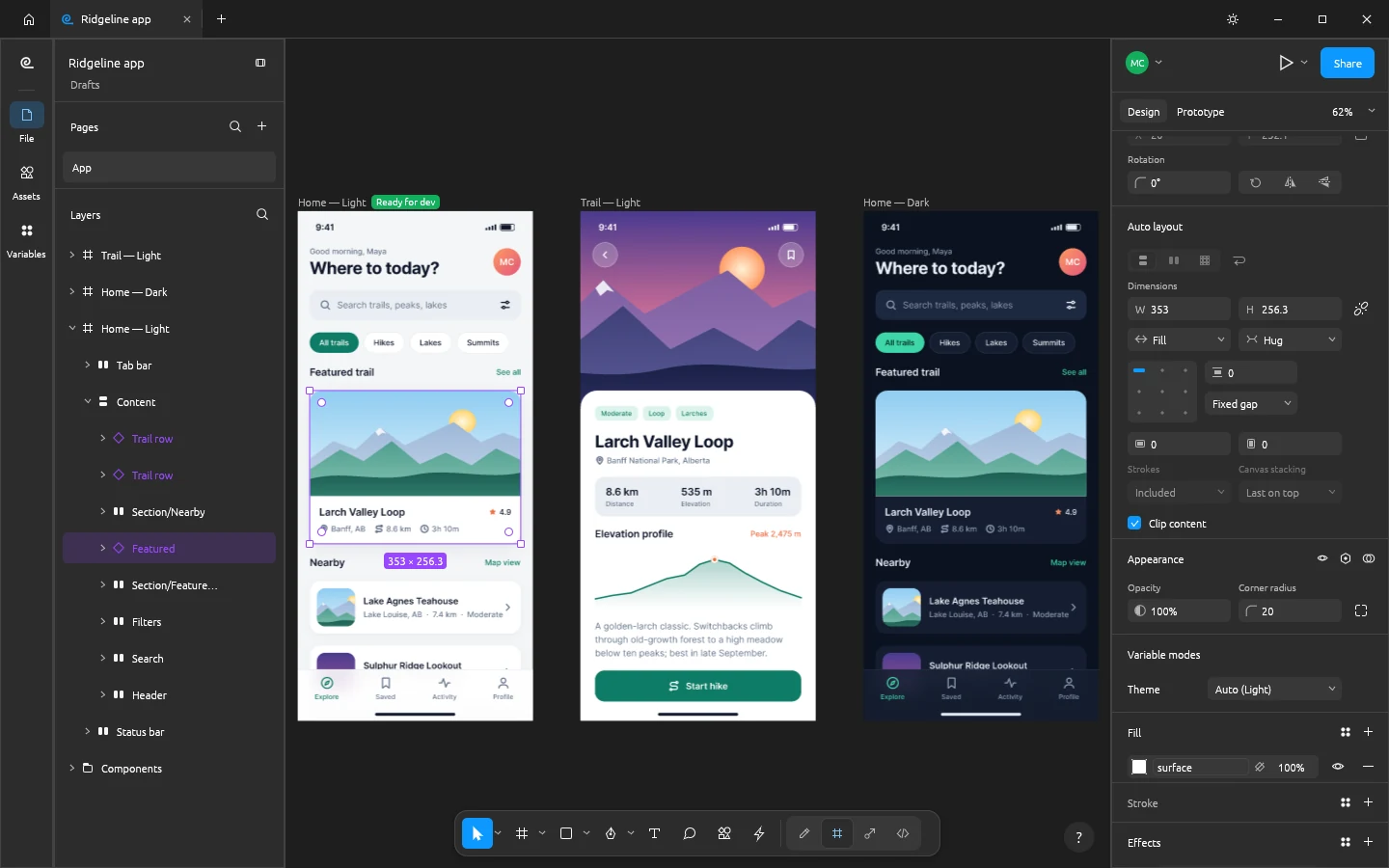
Open-source interface design and prototyping, rebuilt in pure Rust.
Explore FigCraftWord processing
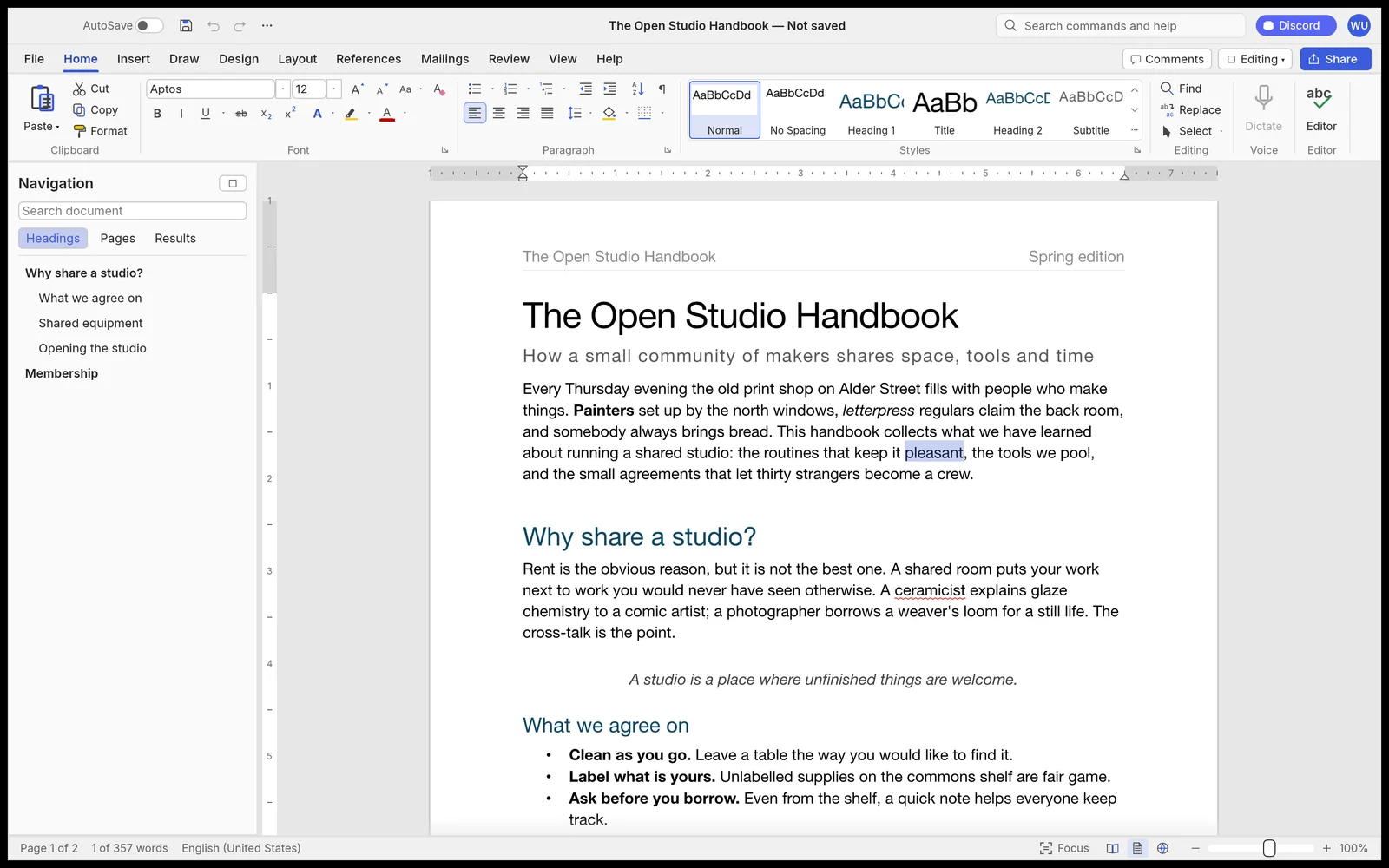

Fast, open-source word processing, rebuilt in pure Rust.
Explore WordCraftDigital audio workstation
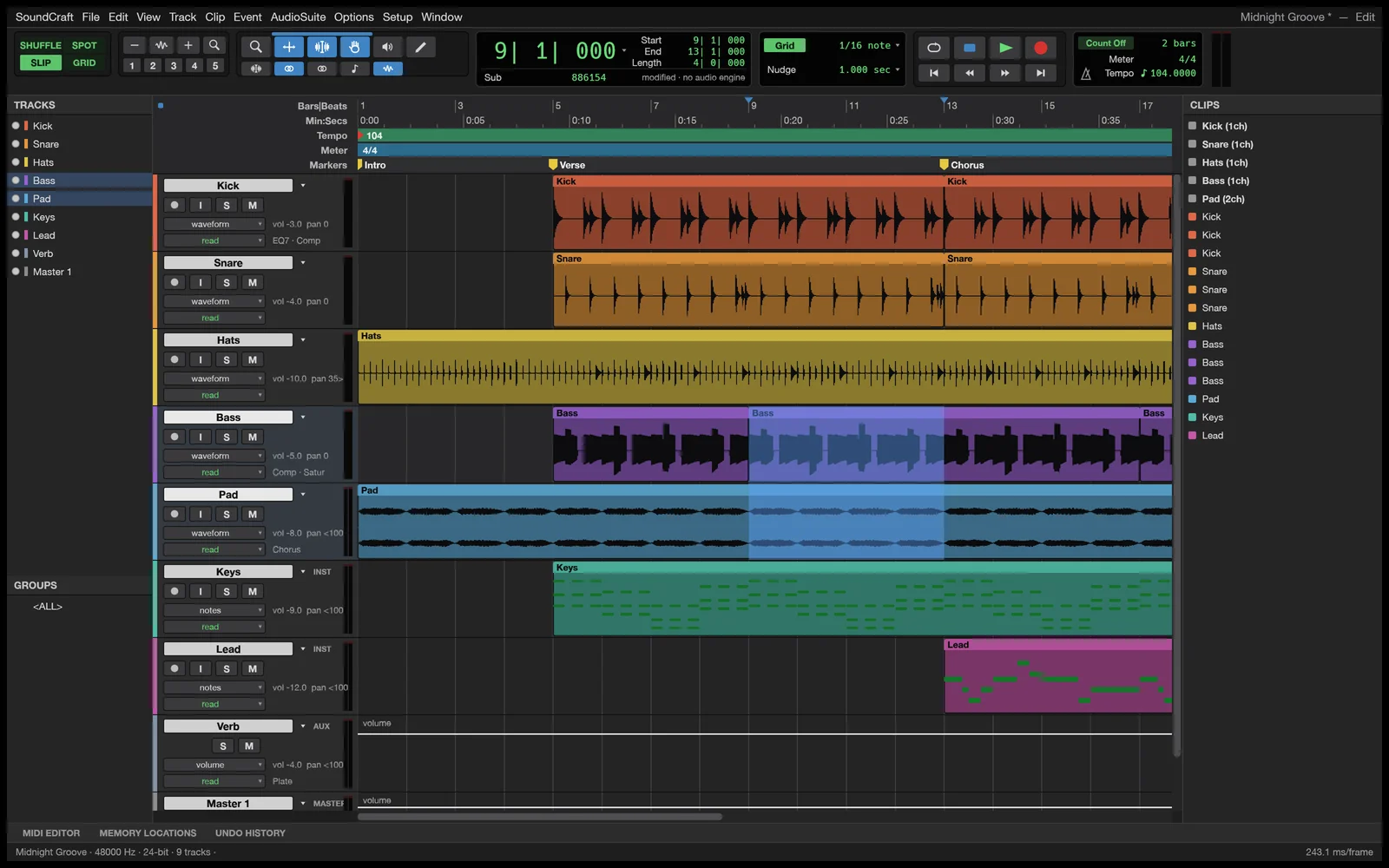

Professional audio recording, editing and mixing in pure Rust.
Explore SoundCraftComputer-aided design & drafting
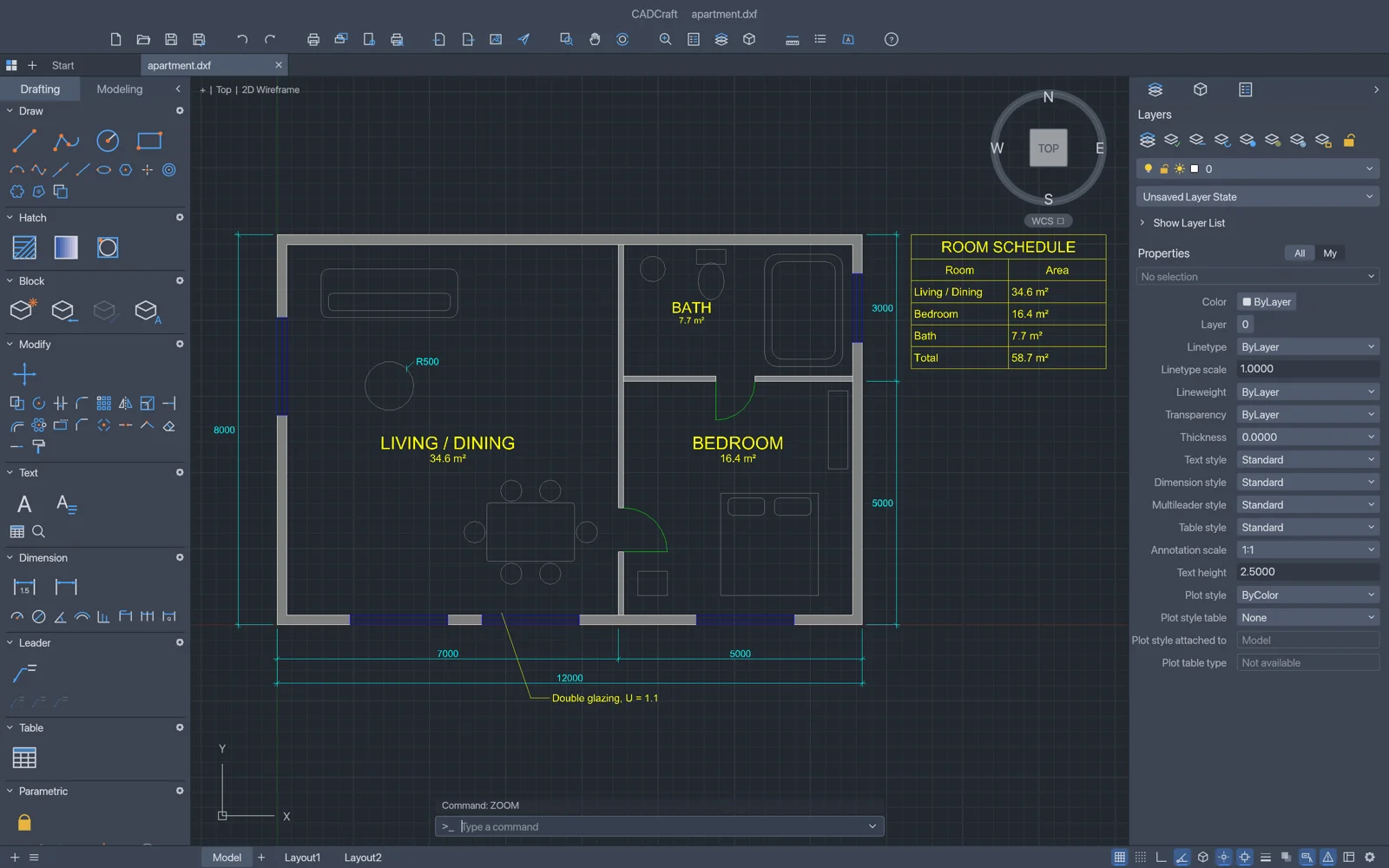
Fast, open-source computer-aided design and drafting in pure Rust.
Explore CADCraftSpreadsheets & data analysis
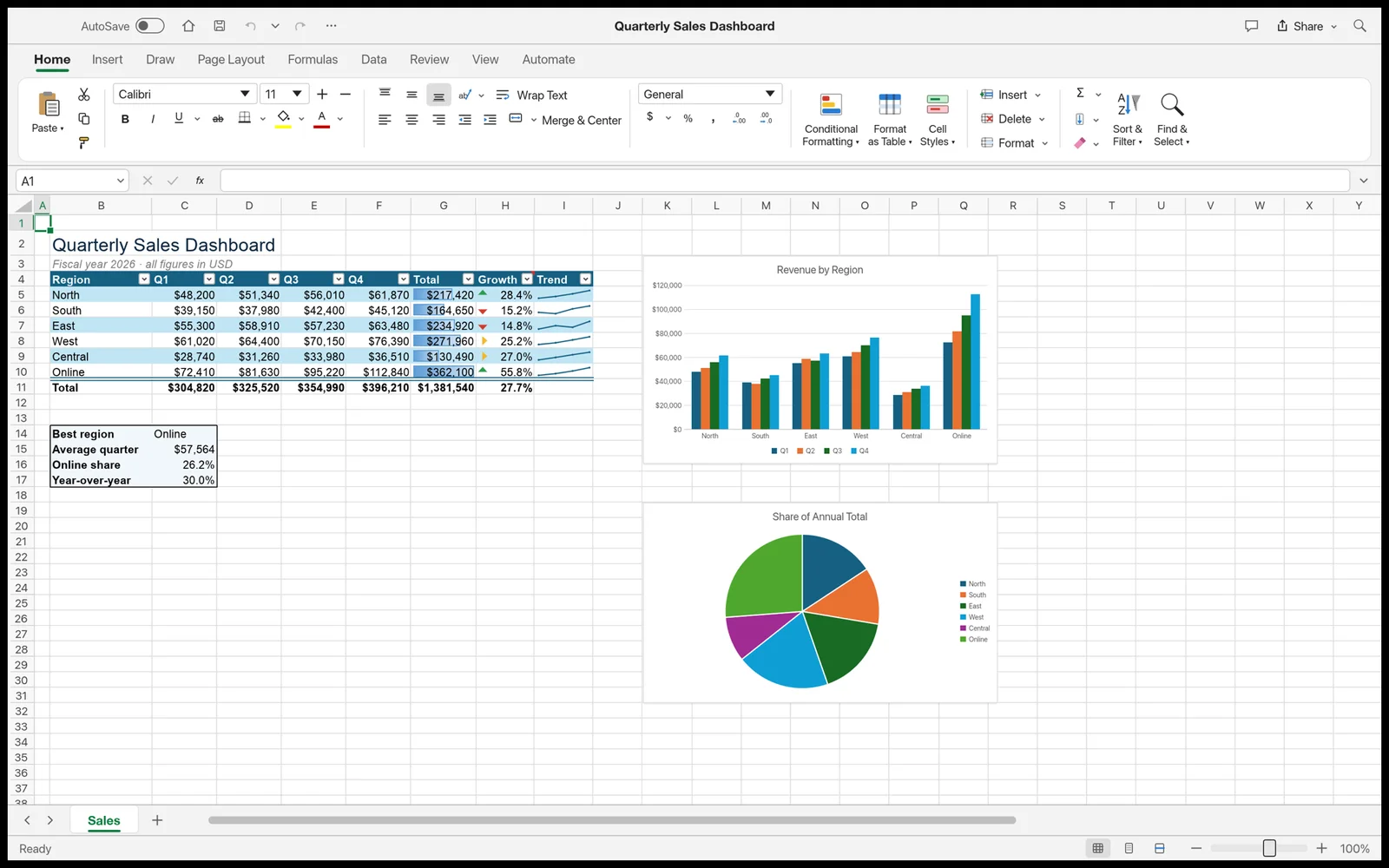

Fast, open-source spreadsheets and data analysis, rebuilt in pure Rust.
Explore GridCraftOpen source · Free
Report bugs, request features and get early builds of DeckCraft in the ArtCraft Discord.